Please select a version below to get started:
Android 2.0.6
iOS 2.0.6
Once your download starts, we'll show you how to get your app installed.
Take a look, as it might not be what you're used to!
This download link is hosted on Aliyun
Sblock.com 2019 Copyright | All Rights Reserved
Instructions Go Back
- Accept the download and wait for it to finish.
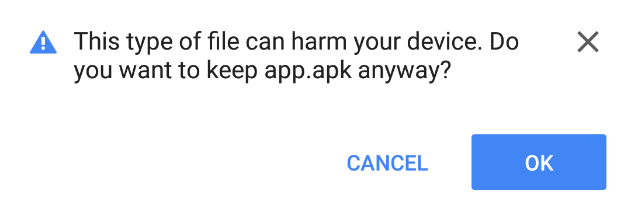
- Open the app file once it has downloaded. You may see an announcement at the bottom of your screen like this one, or you might have to open your Files app.

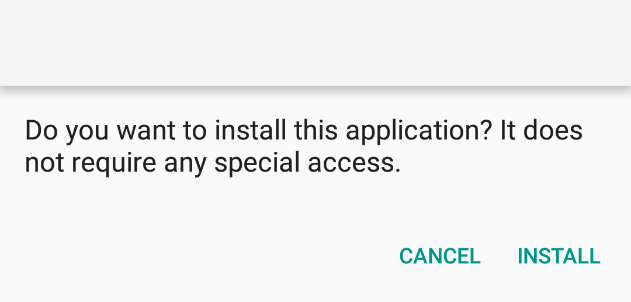
- Once you open the app, Android will request permission to install it. Click "install" and you're good to go!
Instructions Go Back
- Accept the download and wait for it to finish.
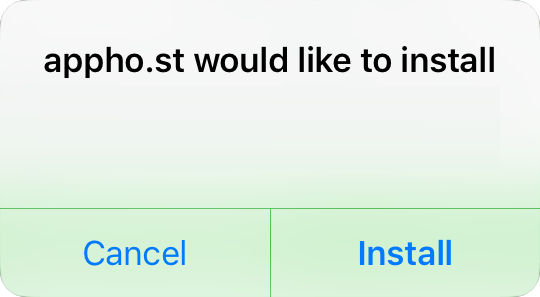 "Sblock"
- If it's your first time installing an app from Sblock Switzerland, you'll need to perform a couple more steps. First, open the Settings app.
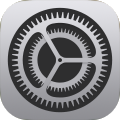
- Navigate to General Device Management Sblock Switzerland
- Click to trust this publisher, then accept the confirmation. Now you're all set to use the app!
 Trust "Sblock Switzerland"